superwhisper vs MacWhisper - They Do Different Jobs
Both run Whisper locally on a Mac, and most comparisons miss the point: one types at the cursor, the other transcribes files. Here's which you need.
Written by Dictation Database Team
The two most recommended local speech tools on macOS have almost the same name, run the same underlying models, and are constantly compared as if they were competitors. They aren't, really. superwhisper is a dictation app - you hold a key, talk, and text appears where you were typing. MacWhisper is a transcription app - you give it a file and get a document.
Plenty of people own both. If you can only pick one, the question is whether you speak into your computer or at it.
Short answer: superwhisper if you want to dictate emails, messages, and documents. MacWhisper if you have recordings - interviews, meetings, lectures, podcasts - to turn into text.
Side by side
| superwhisper | MacWhisper | |
|---|---|---|
| Primary job | Dictation at the cursor | Transcribing audio and video files |
| Platforms | macOS 13.3+, Windows, iOS 18+ | macOS only |
| Free tier | Unlimited on small local models | Tiny and base models, single file |
| Paid | $8.49/mo, $84.99/yr, $249.99 lifetime | €59 one-time (Gumroad) |
| App Store version | - | "Whisper Transcription", $29.99/yr or $99.99 lifetime |
| Processing | On-device; cloud optional via your keys | On-device |
| Offline | Yes, fully | Yes, fully |
| Batch processing | No | Yes, watch folders |
| Subtitle export | No | Yes, SRT/VTT and more |
| Custom modes | Yes, can trigger shell commands | No |
What superwhisper is for
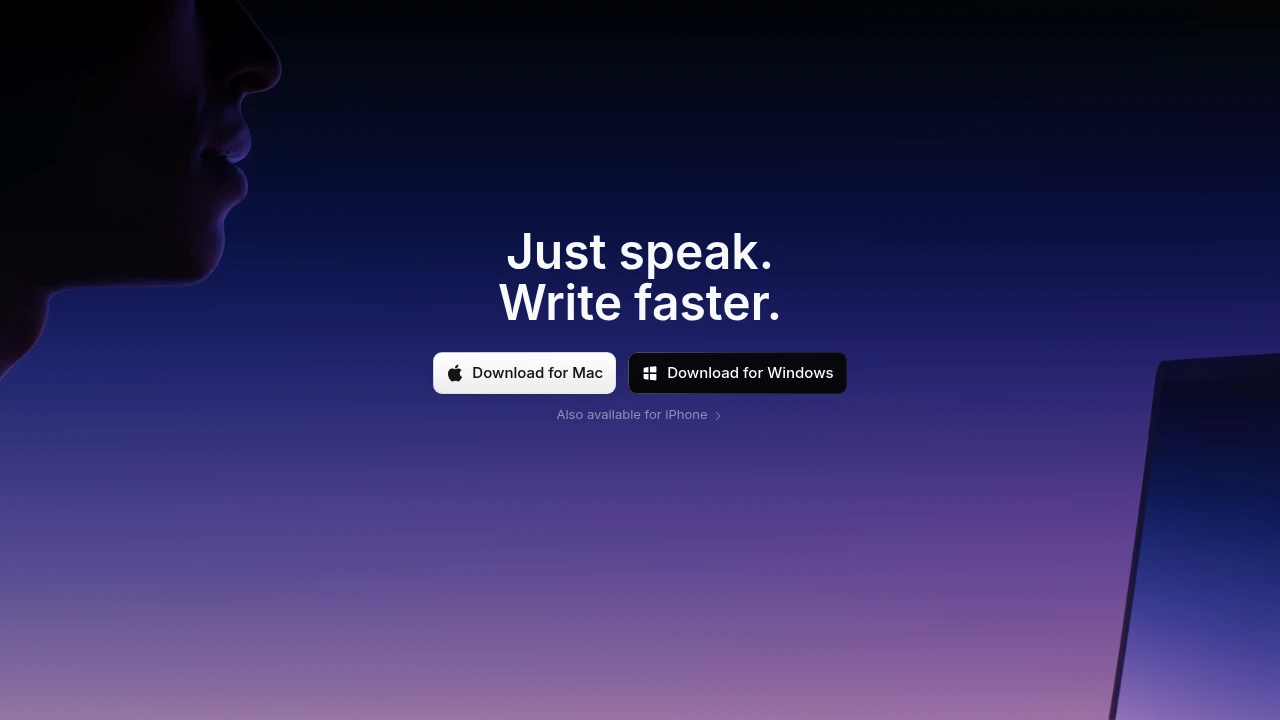
You're writing an email. You press a hotkey, say what you mean, release, and the text appears in the compose window. That's the whole product, and the details are where it earns its price.
Custom "modes" change the output depending on context - a mode for Slack that keeps things terse, a mode for email that writes in full sentences, a mode that summarises rather than transcribes. Modes can trigger shell commands, which turns dictation into a scripting surface.
Everything runs on-device by default, with cloud models available through your own API keys if you want frontier quality for a specific job. Free gives you unlimited dictation on the small local models. Pro is $8.49 a month, $84.99 a year, or $249.99 lifetime - and unlike MacWhisper's licence, it covers Windows and iOS too.
What it isn't good at: give it a two-hour recording of a meeting and it's the wrong tool. There's no batch processing, no speaker separation, and no subtitle export.
What MacWhisper is for
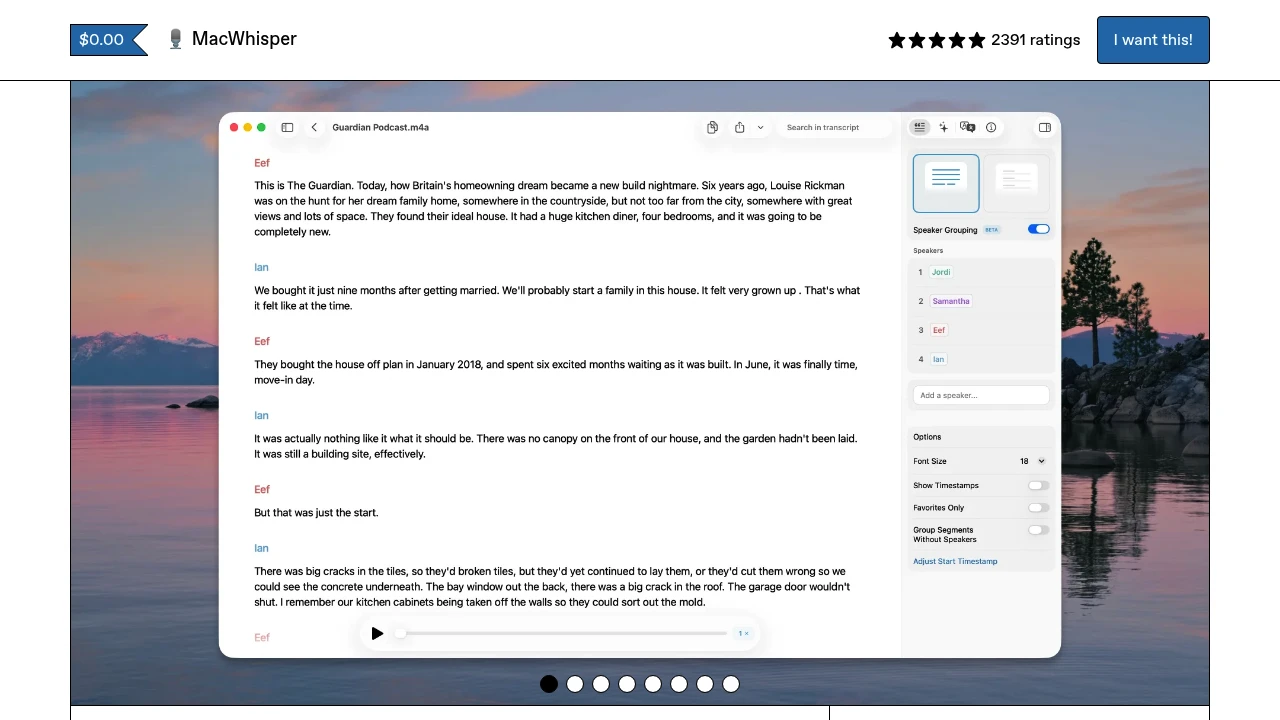
You have a file. Maybe forty of them. MacWhisper takes audio and video, transcribes it locally, and gives you a document - with watch folders so you can drop files into a directory and have them processed automatically, YouTube URL ingestion, system audio capture, and export to subtitle and transcript formats.
Free covers the tiny and base Whisper models for single-file transcription, which is enough to evaluate it properly. Pro is €59 one-time on Gumroad and unlocks the larger models, batch work, and translation.
Watch the SKU confusion: the App Store build is a separate product called Whisper Transcription at $29.99 a year or $99.99 lifetime. Same developer, different licensing. The Gumroad €59 one-time is usually the better deal.
Because everything runs on-device there's no per-minute cost. Against Sonix at $10 an hour or Rev at $0.25 a minute, MacWhisper pays for itself within about six hours of audio - and your recordings never leave the laptop, which matters for interviews with confidentiality attached.
What it isn't: a dictation app. It doesn't type at the cursor.
The cases where they overlap
Dictating long-form. Both can do it, differently. superwhisper streams into your editor as you go. MacWhisper wants you to record a voice memo and transcribe it afterwards, which some writers actually prefer - you talk without watching text appear, then edit once.
Meeting notes. MacWhisper captures system audio, so it can transcribe a call you're on. But it won't summarise or extract action items, and it doesn't handle speaker labels the way a dedicated tool does. Use a real meeting assistant for that.
Value. MacWhisper Pro at €59 one-time is cheaper than superwhisper's $249.99 lifetime. If your need is genuinely just "turn these files into text," you don't need the more expensive tool.
The alternatives worth knowing
Instead of superwhisper, on a Mac: VoiceInk at $29 one-time is the value pick - local, GPL v3, with per-app mode switching, though it's Apple Silicon only and macOS 14.4+. Parrot is free forever, local, and needs no account. Wispr Flow is the cloud alternative if polish matters more than privacy - see Wispr Flow vs superwhisper.
Instead of MacWhisper: Buzz is free, MIT-licensed, and cross-platform, with around 20,900 GitHub stars. Vibe is free and adds speaker diarization plus exports to SRT, VTT, TXT, HTML, PDF, JSON, and DOCX - which MacWhisper Pro charges for. If you're deciding on price alone, try Vibe before paying €59.
Owning both
The common setup among people who work this way: superwhisper (or VoiceInk) bound to a hotkey for everyday dictation, and MacWhisper (or Vibe) for the occasional recording that needs transcribing. Combined cost with the cheaper options is $29 plus $0.
If you're buying one to start with, buy the one that matches what you do daily. The other job is easy to solve later with a free tool.
Frequently asked questions
What's the difference between superwhisper and MacWhisper?
superwhisper is a dictation app that types at your cursor in any application. MacWhisper is a transcription app that converts recorded audio and video files into documents. Both run Whisper locally on a Mac.
Which is better for dictation?
superwhisper, clearly - it's built for it. MacWhisper has no cursor-typing mode.
Which is better for transcribing interviews?
MacWhisper, with batch processing, watch folders, and subtitle export. Vibe is a free alternative that adds speaker diarization. See the best transcription services for interviews.
Do both work offline?
Yes, fully. Both run Whisper models on your machine. superwhisper can optionally call cloud models through your own API keys, but that's opt-in.
Is MacWhisper Pro worth €59?
If you transcribe more than about six hours of audio, it costs less than any cloud service. If you only do this occasionally, Buzz and Vibe are free and cover most of the same ground.
Which one should I buy first?
Whichever matches your daily work. Dictating all day, buy superwhisper. Transcribing recordings, buy MacWhisper. The other job can be handled by a free tool.
Last verified: 10 August 2026.