Google Docs Voice Typing
Free unlimited dictation inside Google Docs, with 120+ languages and voice formatting commands. Chrome only, and only in Docs and Slides speaker notes.
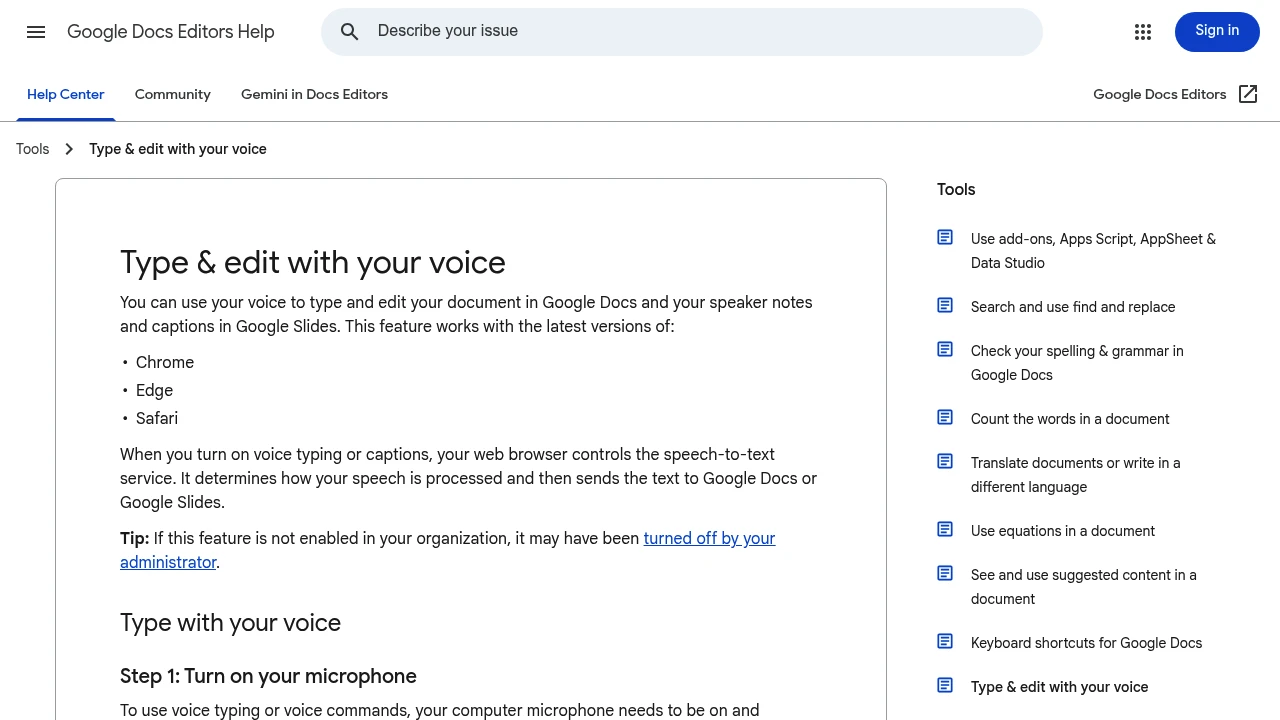
Google Docs has had voice typing for years and it remains completely free with no word limits, session caps, or subscription — any Google account can use it. It supports 120+ languages and understands formatting commands spoken aloud: "bold", "new line", "heading 2". The constraint is severe and unchanged: it works only inside Google Docs, in Chrome, on a desktop.
At a glance
| Platforms | Chrome on desktop, inside Google Docs |
| Pricing | Free, unlimited |
| Where it works | Google Docs, and Slides speaker notes. Nothing else |
| Browsers | Chrome (and Edge). Not Safari, not Firefox |
| Languages | 120+ |
| Offline | No — requires a connection |
| Commands | Formatting and editing by voice |
What it does well
- Actually unlimited, actually free. No quota, no trial, no account tier. In a category built on word caps, that's worth stating plainly.
Categories: