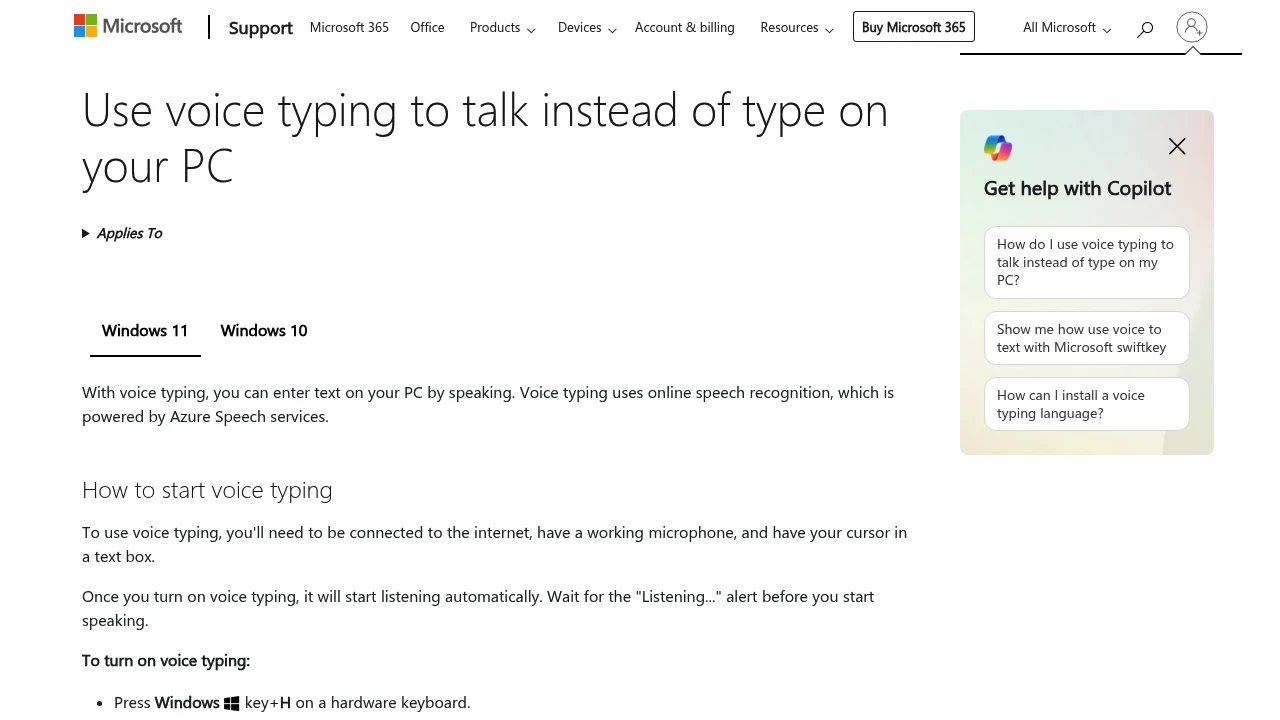
Windows 11 has dictation built in: press Win+H in any text field and start talking. It's free, needs no setup beyond installing the Enhanced Speech Recognition model, and works everywhere in the OS. The important caveat, and it's not well advertised, is that standard voice typing routes your audio through Microsoft's Azure speech services. Having the recognition model downloaded locally does not make Win+H private.
At a glance
Platforms
Windows 11 (and Windows 10)
Pricing
Free, built in
Shortcut
Win+H
Processing
Cloud, via Azure. Falls back to a weaker local model when offline
Accuracy
Roughly 85–90% on conversational English with Enhanced Speech Recognition installed
Custom vocabulary
None
Offline
Automatic fallback only, at reduced accuracy
What it does well
Free and always there. No install, no account, no subscription. On any Windows 11 machine it's one keystroke away.
Works system-wide. Every text field in every application, including ones browser extensions can't reach.
Auto-punctuation. Adds punctuation from context rather than requiring you to speak it, which most free tools don't do.
Graceful offline fallback. Loses connection and it switches to the local model automatically instead of failing. Accuracy drops, but it keeps working.
Good enough for casual use. 85–90% on clear conversational English is fine for chat messages and rough notes.
Where it falls short
It is not private, and the setup implies otherwise. Downloading the Enhanced Speech Recognition model looks like enabling local processing. It isn't — Win+H still sends audio to Microsoft by default. Microsoft states audio isn't retained after processing or used to build a profile, but it does leave your machine. For confidential work — clinical, legal, journalistic — that's disqualifying, and the interface does nothing to make it clear.
No custom dictionary. Nothing to correct. Names, technical terms, and product names will be wrong every single time. This is the most-cited practical complaint.
Accented speech and jargon suffer. Accuracy falls off noticeably outside standard conversational English.
No AI cleanup. Raw transcription with punctuation. No filler-word removal, no reformatting.
Confusable with Voice Access. Windows ships two different voice features. Voice Typing enters text; Voice Access controls the whole machine. They're separate, and Microsoft's naming doesn't help.
Pricing
Free with Windows.
Who it's for
Any Windows user who wants to try dictation without spending anything — start here, exactly as Mac users should start with Apple Dictation. Move on when the missing custom dictionary starts costing you time, or if your work can't have audio going to a third party. On the privacy point specifically, Handy is free and fully offline on Windows, which makes it a straightforward upgrade.
Last verified: 9 August 2026.
Similar to Windows Voice Typing
Windows Voice Typing: Free and built in, but your audio goes to Microsoft's servers – Dictation Database