The Best Voice Coding Tools in 2026
How to program by voice - Talon, Cursorless, Dragonfly and the rest compared, with an honest account of how long each takes to learn.
Written by Dictation Database Team
Voice coding is not dictation with a programming vocabulary. Reading code aloud produces garbage - punctuation-dense, case-sensitive, structurally significant text that no prose model handles well. What actually works is a command language: short spoken phrases mapped to editor operations, so you say a word and a refactor happens.
That means voice coding has a real learning curve. Weeks, not hours. People do it anyway, usually because RSI took the choice away, and a surprising number end up faster than they were with a keyboard.
Short answer: Talon Voice is the foundation everything else sits on, and Cursorless on top of it is the most powerful setup available if you use VS Code.
The landscape
| Tool | What it is | Platforms | Price | Learning curve |
|---|---|---|---|---|
| Talon Voice | The engine and command framework | macOS, Windows, Linux (X11) | Free; Patreon tier | Weeks |
| Cursorless | Talon extension for VS Code | Via Talon | Free | Weeks more |
| Serenade | Standalone, natural-language commands | macOS, Windows, Linux | Free, open source | Days |
| Dragonfly | Python grammar framework | Windows, macOS, Linux (X11) | Free (LGPL) | Days, if you code Python |
| Caster | Ready-made command set for Dragonfly | Windows, Linux (X11) | Free (GNU) | Days |
| Numen | Full Linux voice control | Linux | Free | Days |
| Voibe | Dictation with a Developer Mode | macOS, Windows | $59/yr or $149 once | Hours |
Browse the full Voice Coding category.
Start here: Talon Voice
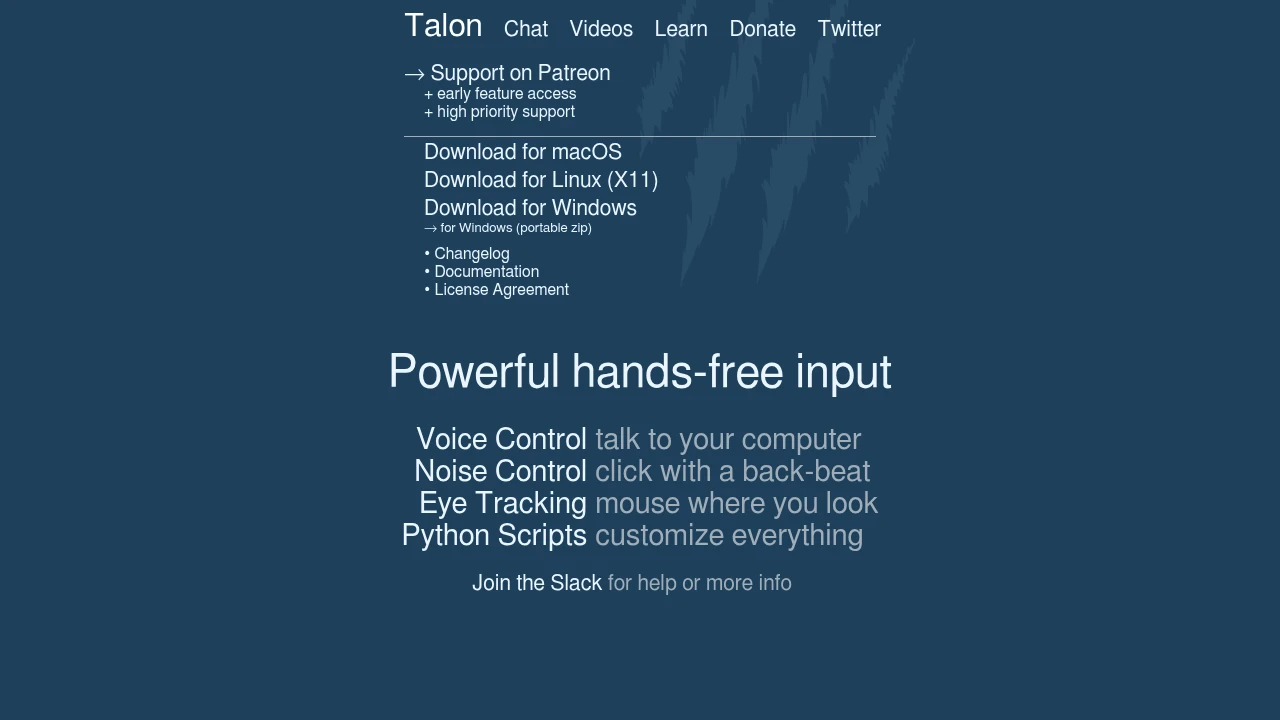
Talon Voice is the foundation of the entire voice-coding world. It's free to download, runs locally on macOS, Windows, and Linux (X11), and is scriptable in Python. Beyond speech it supports noise recognition - a pop or hiss as a click substitute - and eye tracking, which together let you drive a computer with no hands at all.
The community is the real asset. There's a large ecosystem of shared configurations, an active wiki, and a Slack where people who have been doing this for a decade will answer questions. Most people start from someone else's config rather than a blank file.
Talon itself isn't open source; there's a Patreon tier for early access and priority support. The ecosystem built on it is.
Budget a few weeks. The first thing to learn is the alphabet - a set of distinct words for each letter, because "b" and "d" and "p" are indistinguishable to any speech model. Everything else depends on that.
The most powerful setup: Cursorless
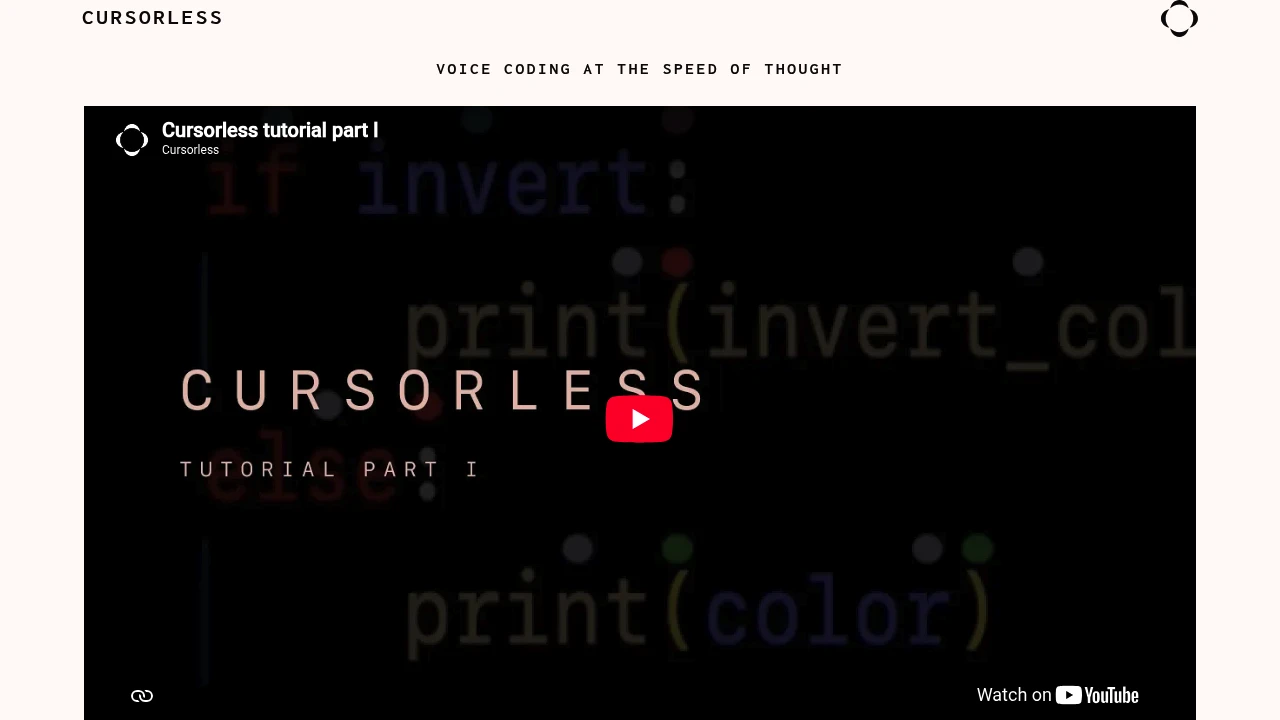
Cursorless is a Talon extension for VS Code that changes what's possible. It parses your file into an abstract syntax tree and paints a coloured "hat" on every token on screen. Because every token has a unique short name, you can address any of them directly: "take blue air" selects one identifier, "chuck red bat" deletes another, and structural commands operate on functions, arguments, and blocks rather than lines and characters.
The result is edits that would take several keyboard operations happening in a single utterance. People who are fluent with it are genuinely fast.
The cost is honest and steep: you need to be comfortable with the Talon alphabet first, and then spend weeks more on Cursorless itself. It's VS Code only, and it requires Talon - it is not standalone.
The gentlest start: Serenade, with a caveat
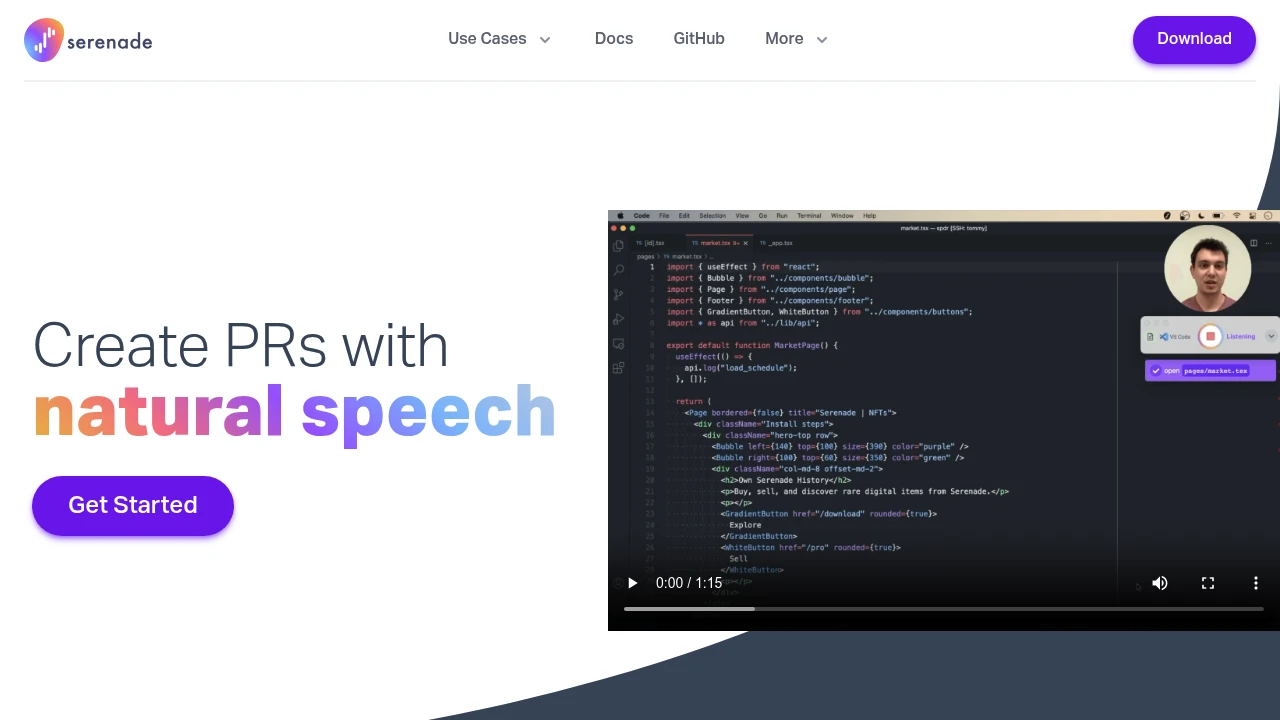
Serenade was designed to be approachable. You say "add function hello" in something close to natural language and it writes syntactically correct code, across Python, JavaScript, Java, C/C++, TypeScript, Dart, and Bash, in VS Code, IntelliJ, PyCharm, Android Studio, and others. It also works in GitHub, Slack, Discord, Gmail, and terminals. Free, open source, and it can process locally for privacy or in the cloud.
The caveat is significant: the original project is unmaintained. There's an active community fork with a beta release, but check its recent activity before you build a workflow on it. This is the single biggest risk in the voice-coding stack - the friendliest entry point is the least certain to still work in two years.
The Windows lineage: Dragonfly and Caster
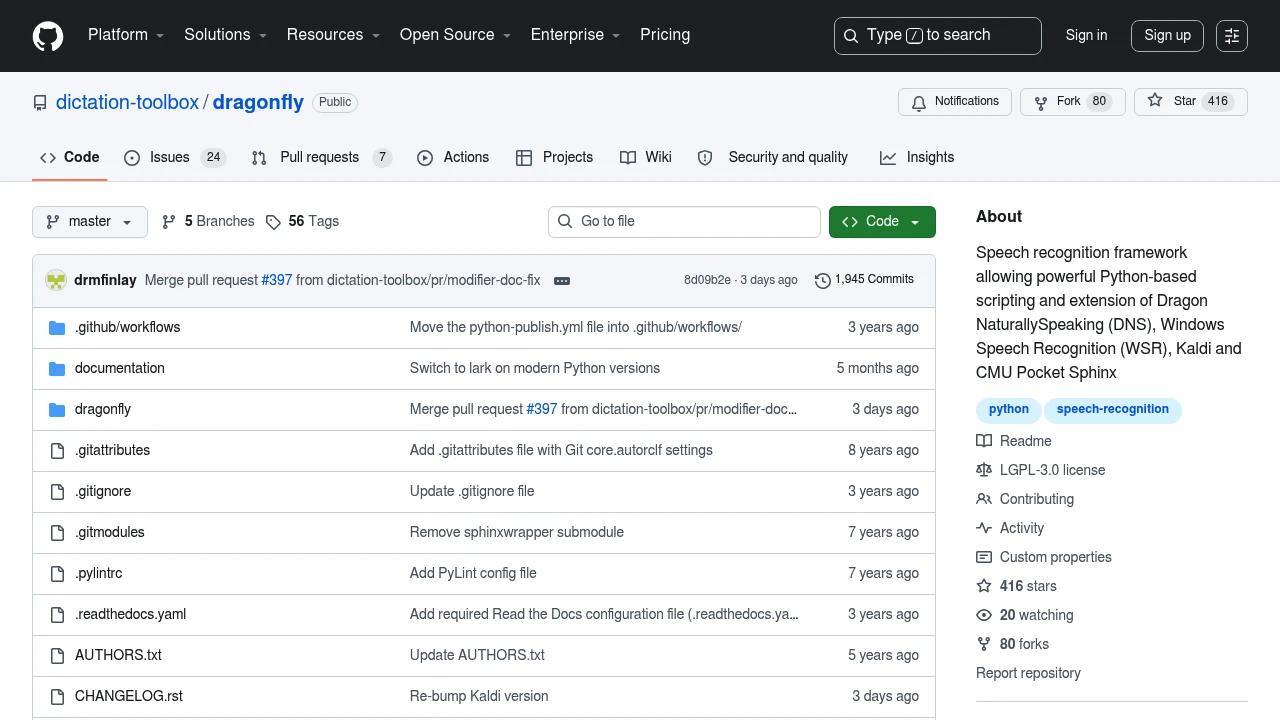
Before Talon, voice coding on Windows meant Dragonfly: a Python framework, LGPL-3.0, that lets you write one grammar and run it against Dragon NaturallySpeaking, Windows Speech Recognition, Kaldi, or CMU Pocket Sphinx. Install dragonfly2 from PyPI - that's the maintained fork, and the name matters. Around 416 stars and 1,945 commits, with docs on Read the Docs and an active Gitter community.
Windows, macOS, and Linux on X11 - Wayland is not fully supported.
Caster is a ready-made Dragonfly command set so you don't start from scratch: 13+ programming languages, customisable commands, continuous command recognition, and mouse navigation modes. It runs on Dragon NaturallySpeaking v13+, Kaldi, or Windows Speech Recognition, primarily on Windows. Around 357 stars, 2,225 commits, and 65 open issues, with Gitter, Discord, and Matrix channels.
The Dragonfly path makes most sense if you already own Dragon Professional and want to use its recognition quality for commands, or if you prefer writing grammars in Python to learning Talon's model.
Linux, hands-free
Numen is free libre software for Linux that runs entirely locally and targets full hands-free control of the machine, not just text entry. It's built for people with mobility limitations and for anyone trying to avoid RSI. If your goal is to use the computer without a keyboard rather than specifically to write code, start here.
For dictating prose on Linux - comments, commit messages, documentation - pair it with something from the best dictation software for Linux.
If you just want to dictate comments and prompts
A lot of people who search for voice coding don't actually want a command language. They want to talk to an AI coding assistant, write commit messages, and dictate comments - prose, in a developer's context, with technical vocabulary that doesn't get mangled.
That's ordinary dictation with good handling of code-adjacent terms. Voibe has a Developer Mode tuned for IDEs and coding agents, at $59 a year or $149 lifetime, running fully offline on Apple Silicon. OpenWhispr is free and MIT-licensed with explicit support for ChatGPT, Claude, Cursor, and Slack. superwhisper custom modes can be tuned for technical vocabulary and can trigger shell commands.
This is a much shorter path than learning Talon, and for many developers it's all they needed.
Realistic expectations
Time to productive. Two to four weeks for basic Talon fluency. Two to three months for Cursorless to feel natural. Days for Serenade or a dictation-based setup.
Your voice will get tired. Voice coding for eight hours is physically demanding in a way typing isn't. Most people alternate.
The environment matters. An open-plan office is difficult, both for recognition and for your colleagues. This works best somewhere you can talk continuously.
Start with a config, not a blank file. The Talon community's shared configurations are the difference between a week and a month.
Keep the keyboard. Almost everyone who codes by voice uses a hybrid setup. Full hands-free is a requirement for some people, not a goal for everyone.
Frequently asked questions
What is the best voice coding software?
Talon Voice as the foundation, with Cursorless on top if you use VS Code. Serenade is easier to start with but its original project is unmaintained.
Can you actually code by voice?
Yes, and some people do it full time and match their previous keyboard speed. It takes weeks of practice and a command language rather than plain dictation. Most practitioners use a hybrid of voice and keyboard.
Is Talon Voice free?
Free to download and use. There's a Patreon tier for early access to beta builds and priority support. It's not open source, though most of the ecosystem around it is.
Do I need Dragon for voice coding?
No. Talon has its own local engine. Dragonfly and Caster can use Dragon NaturallySpeaking, but they also run on Kaldi or Windows Speech Recognition instead.
What's the best voice coding setup for RSI?
Talon Voice with noise recognition and eye tracking, which together allow fully hands-free operation. On Linux, Numen. See dictation for RSI for the wider picture, including non-coding work.
Does voice coding work on Wayland?
Partially. Talon's Linux support and Dragonfly are X11-only. Numen works on Linux more broadly. For prose dictation on Wayland, see Vocalinux and Handy.
Last verified: 10 August 2026.